
Overview
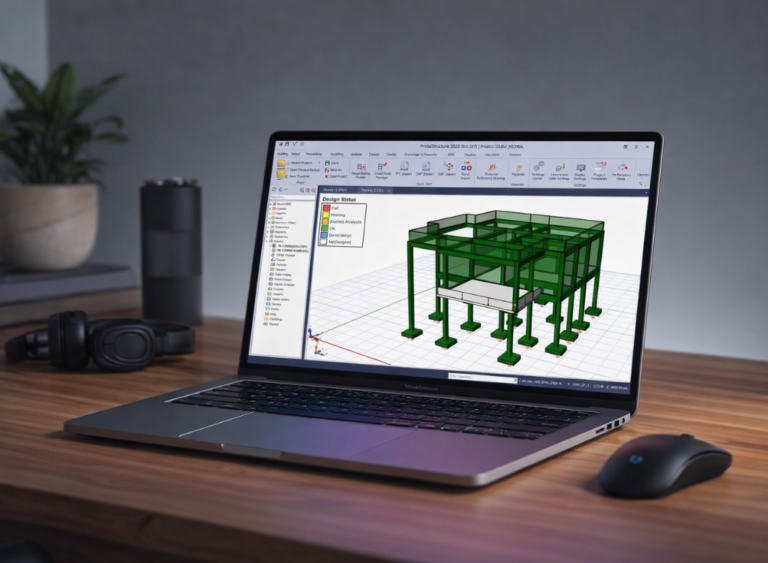
Learn to create, analyse, and design building structures using Tekla Structural Designer through a practical, project-based approach. This course covers structural modelling, load application, analysis, design checks, and professional workflows for steel and concrete structures.
Designed for civil engineers, structural engineers, and students, this course helps you develop the confidence and skills needed to apply Tekla Structural Designer in real-world engineering projects.
Overview
Learn to create, analyse, and design building structures using Tekla Structural Designer through a practical, project-based approach. This course covers structural modelling, load application, analysis, design checks, and professional workflows for steel and concrete structures.
Designed for civil engineers, structural engineers, and students, this course helps you develop the confidence and skills needed to apply Tekla Structural Designer in real-world engineering projects.